Engine compartment
Explore under the bonnet, operating fluids and the components a driver encounters during basic checks.
 ALTERNATIVE VR
DIGITAL LEARNING / DDS
Get to know the vehicle. Step by step.
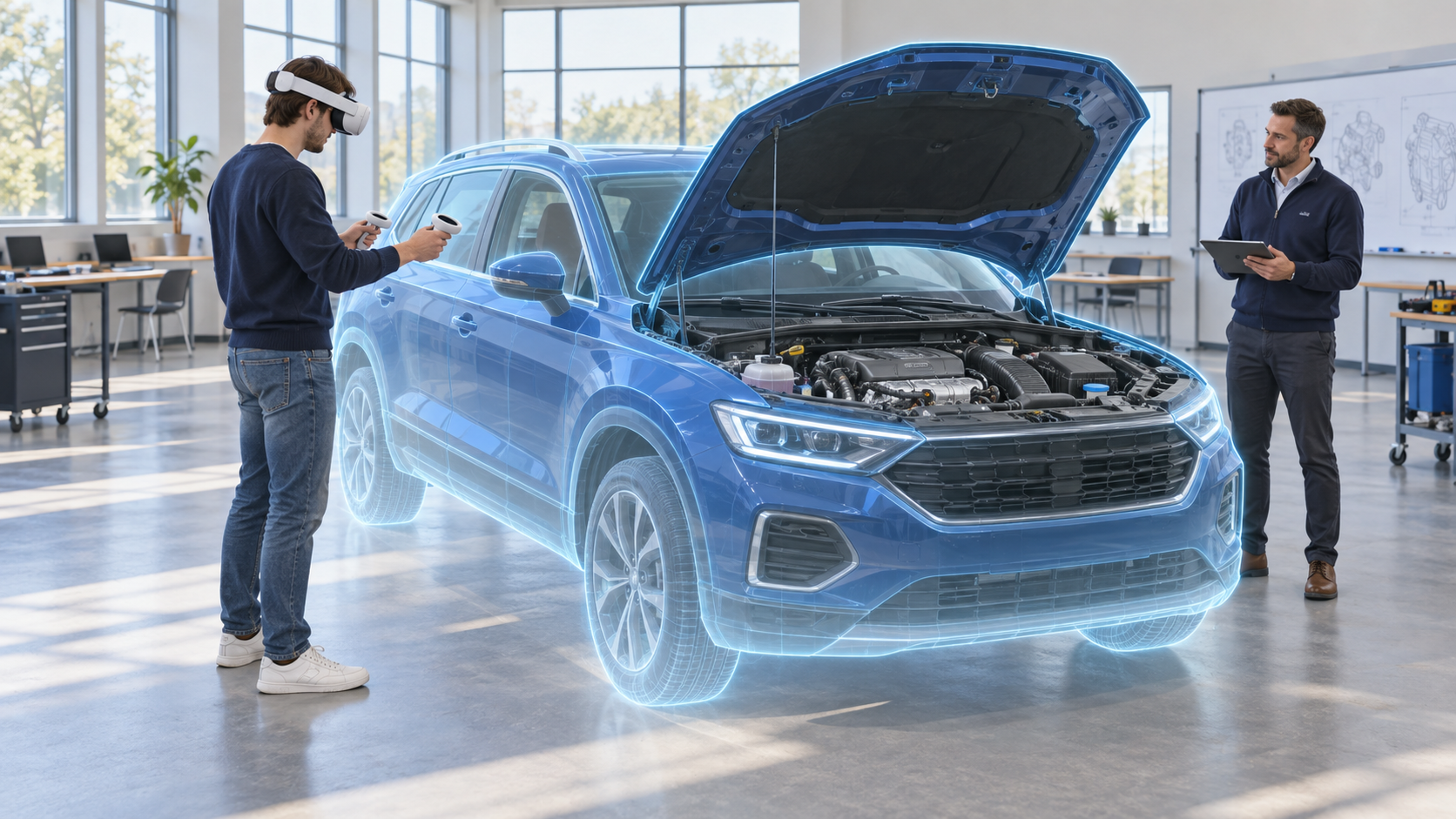
A virtual car right in your classroom. Digital Driving School combines an interactive 3D model with vehicle inspection and maintenance training — from the first introduction to independent knowledge checks.
WHAT STUDENTS LEARN
Each area has its own sequence. Students discover vehicle components, learn where to find them and connect the explanation with a specific part of the 3D model.
Explore under the bonnet, operating fluids and the components a driver encounters during basic checks.
Recognise the different lights, locate them and work through a lighting inspection.
Learn what to look for on tyres and understand the purpose of regular wheel checks.
A systematic walk around the vehicle and its exterior before a journey.
Get familiar with the equipment, where it is stored and what each item is used for.
Explore the luggage compartment and its inspection as part of preparing the vehicle.
Learning and assessment scenarios cover a passenger car. A bus and motorcycle are currently available as demonstration 3D models.
HOW A LESSON WORKS
Put on a compatible headset and position the virtual vehicle. Its scale can be adjusted to the classroom.
Select an inspection area and mode. The instructor can begin with the subject the class is currently studying.
Connect the explanation with interactions on the 3D model. Return to individual parts as often as needed.
In assessment mode, students check their knowledge and use feedback to guide further practice.
DDS INSTRUCTOR / WEB BETA
The project includes DDS Instructor, a companion interface for guiding lessons in a browser and working with paired headsets without interrupting the learner.

WHO DDS IS FOR
A visual companion to vehicle-inspection lessons. Instructors can work through topics while learners repeat the sequence.
Connect technical terms with a spatial model when explaining components and basic vehicle care.
A practical example of XR for training, workshops and introducing modern teaching methods.
PRACTICAL INFORMATION
DDS supports Meta Quest 3 and Meta Quest 3S. The virtual vehicle can be scaled to the available space. We can discuss your classroom setup and deployment during a demonstration.
This application focuses on vehicle inspection, maintenance and familiarisation. Smart Driving School is a separate product in development for traffic situations and broader digital learning.
Yes. Individual areas and steps can be repeated. Learning mode helps explain the procedure, while assessment mode checks understanding.
Tell us how you organise teaching and what equipment you already have. We will arrange an introduction and discuss how DDS could fit your lessons.
SEE DDS IN PRACTICE
Tell us who you teach. We will walk through the learning content, equipment and deployment options together.
info@alternative-vr.com ↗